Dentistry has come a long way, with technology playing a bigger role in helping dental teams work more efficiently and provide a smoother experience for patients. As digital solutions become more common, the way information is captured, shared and used throughout the dental process is changing, creating new opportunities for more connected and effective workflows.
The growing link between digital scanning and CAD/CAM dentistry shows how different parts of the process can work together to support modern dental care. By bringing these approaches together, dental professionals can benefit from a more streamlined way of planning and creating solutions while adapting to the needs of today’s patients.
From the dental practice to the dental laboratory
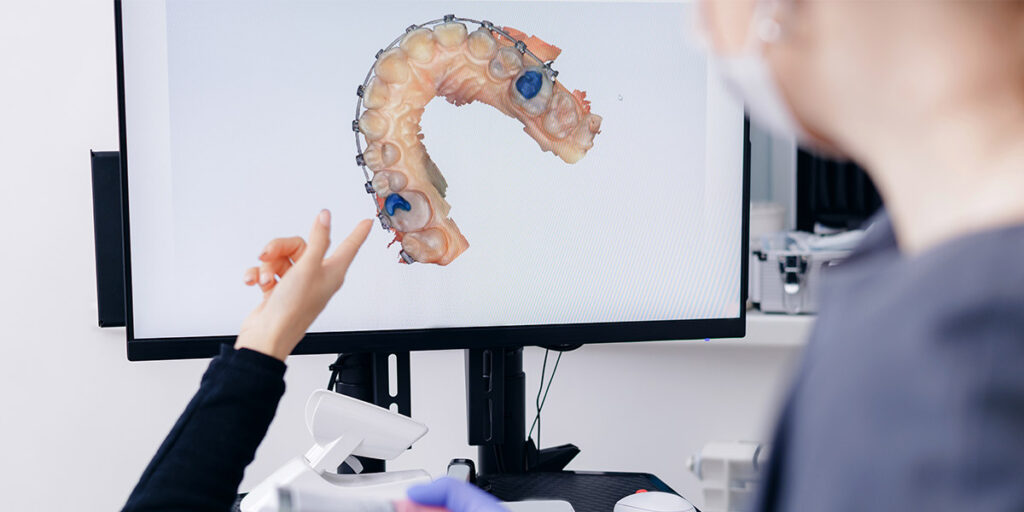
After a digital scan is taken at the dental practice, the information can be securely sent to the dental laboratory through digital systems in formats such as STL or PLY, which can be used with compatible dental software.
The scan is submitted with important clinical details from the dentist, including information about the required restoration, treatment area, materials and any specific considerations. This gives the technician a clearer understanding of the case and supports better communication between the practice and laboratory.
In comparison to traditional workflows, digital scans can reduce delays and simplify the process as, rather than waiting for physical impressions to arrive, technicians are able to access the scan data and start reviewing the case sooner, helping create a more efficient approach to restoration planning.
| Format | Description | Strengths | Weaknesses |
| STL (Standard Tessellation Language) | Represents 3D surfaces as a mesh of triangles. | Universally supported across all CAD/CAM and 3D printing software. Compact and fast to process. | Lacks colour, texture, or shading data. No metadata. |
| PLY (Polygon File Format) | Contains 3D geometry alongside colour and texture. | Includes RGB colour for realistic soft tissue and shade mapping. Smaller file size compared to some. | Requires higher processing power and is not universally compatible across all systems. |
| OBJ | Wavefront object. Handles 3D surface, geometry colour, and complex texture maps. | High-fidelity colour and fine texture mapping. Widely used in 3D graphic design and animation software. | Large file sizes, can be unnecessarily heavy for standard milling workflows. |
| DICOM (Digital Imaging and Communication in Medicine) | Volumetric medical data. Used for CBCT scans. | Provides information about internal anatomy like bone density, root structure, and nerves. | Very large file sizes, requires specialised viewers to visualise. |
Preparing digital scan data for the CAD design process
When the laboratory receives the digital scan, the technician first reviews the information to make sure it is clear, complete and ready for the design stage. This includes checking the quality of the scan data, making sure the necessary areas have been captured and confirming that the files can be used correctly within CAD software.
The technician carefully looks at details such as the preparation, restoration margins, bite information and how the upper and lower teeth come together. Any missing information or areas that may affect the design can be identified early, helping to avoid problems later in the process.
Although digital software is useful here, the technician’s experience remains important at this point. Their skill in reviewing and understanding the scan helps make sure the digital information is ready and correct before the restoration design process can begin.
How CAD software transforms digital scans into restorations
Once the digital scan has been prepared, the technician can begin designing the restoration using CAD software. This allows the technician to work with a detailed digital model and come up with a design that matches the patient’s specific requirements while considering both function and appearance.
The process begins by importing and analysing the scan data within the CAD system. The technician uses the digital model as a guide to create a restoration design, making adjustments where needed to achieve the correct fit, shape and relationship with the surrounding teeth.
CAD software can be used to design a wide range of dental restorations and appliances, including:
Crowns: Creating a precise shape and structure that restores the appearance and function of a damaged tooth.
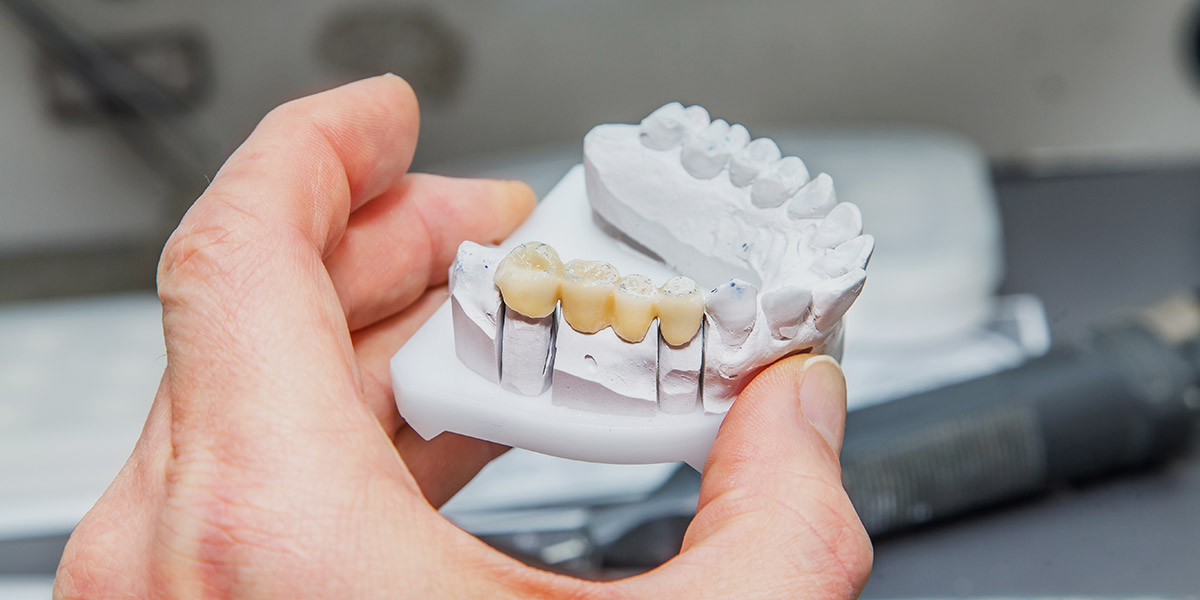
Bridges: Designing connected restorations that replace missing teeth while fitting naturally with the surrounding teeth.
Implant restorations: Developing designs that work with implant components and support a stable, functional result.
Other dental appliances: Creating digital designs for various custom-made solutions based on the patient’s needs.
Throughout the design stage, technicians consider important factors such as tooth anatomy, bite function and aesthetics. While CAD technology provides detailed digital control, the technician’s knowledge and experience remain essential in making decisions that support a balanced and natural-looking restoration.
From CAD design to CAM manufacturing
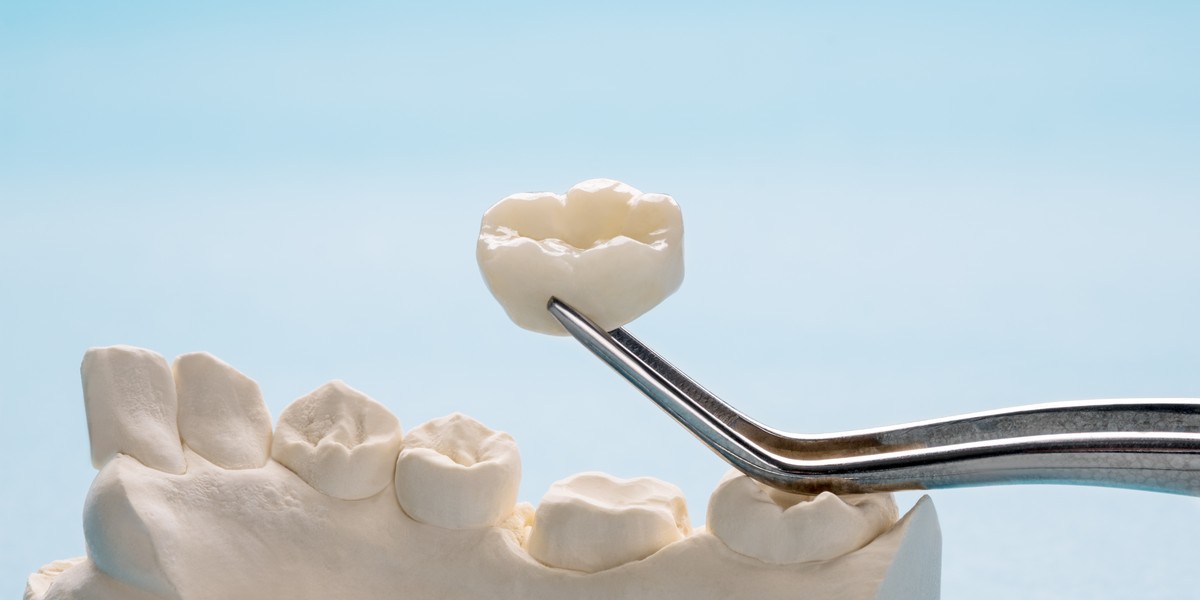
After the restoration design has been completed, the digital file is moved into the CAM stage, where the design is turned into a physical restoration. CAM technology uses the CAD information to guide the manufacturing process, helping to create an accurate result based on the approved design.
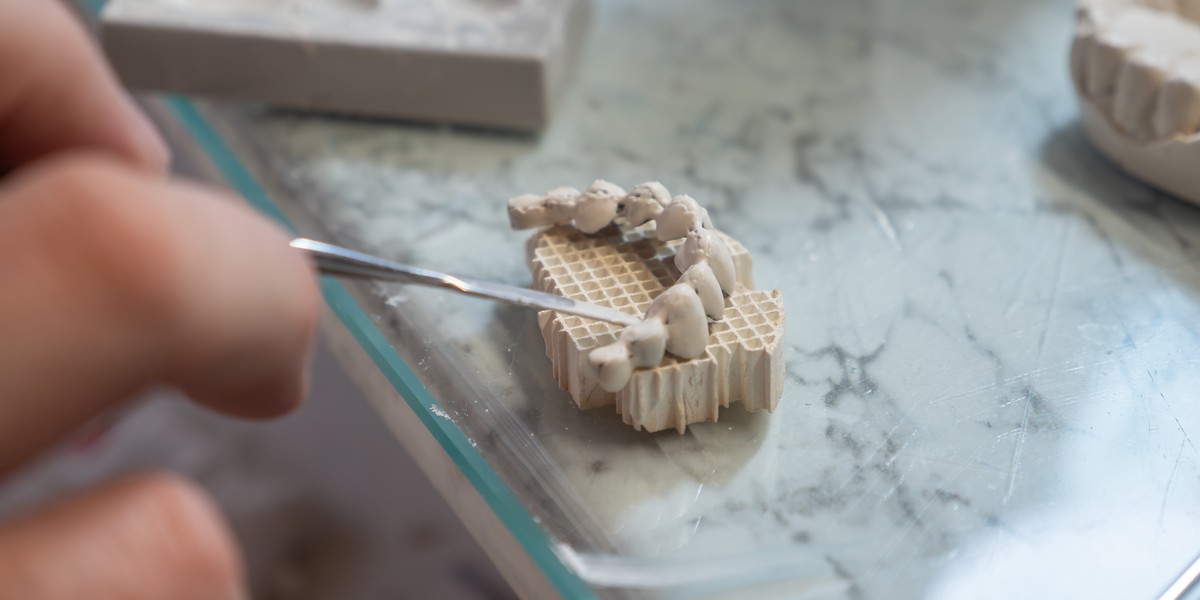
Restorations can be produced using methods such as milling or 3D printing. Milling creates the restoration by shaping a block of material, while 3D printing builds the restoration layer by layer. The materials selected will depend on the type of restoration and may include ceramics, resins or other materials suited to dental use.
Once manufactured, the restoration is carefully finished by the technician. This may involve polishing, staining or glazing to improve the appearance and create the desired surface finish. The final stage includes quality checks to review the fit, function and overall accuracy before the restoration is approved.
The benefits of an integrated digital workflow
Bringing digital scanning and CAD/CAM technology together helps create a smoother connection between dental practices and laboratories, and sharing accurate digital information throughout the process means both teams can work more closely and deliver more consistent, predictable restoration outcomes.
Key benefits of an integrated digital workflow include:
Faster communication and turnaround times: Digital files can be shared quickly, making it easier for dentists and technicians to discuss cases and move work forward without delays.
Improved accuracy and consistency: Digital information provides a clear reference for planning and production, helping to create reliable results across different stages of the workflow.
Greater predictability of restorations: Using a connected digital process allows restorations to be planned with a better understanding of the final result.
Reduced remakes and adjustments: More accurate information can help identify potential issues earlier, reducing the need for corrections or repeated work.
Continued importance of skilled craftsmanship: While technology supports the process, the experience and judgement of dental technicians remain essential when creating and refining restorations.
The combination of digital tools and specialist knowledge allows each stage of the workflow to work together more effectively. This balance helps dental teams make informed decisions while ensuring that the technical skill behind each restoration remains an important part of the process.
Improving patient outcomes with integrated digital dentistry
Digital dentistry has changed how practices and laboratories work together, making communication and case management more efficient. Through a combination of digital advances and technical skills, we help practices provide well-planned restorations for their patients with confidence and care.
At GoDigital Dental, we offer dental professionals a trusted laboratory partnership that supports reliable results. We use digital technology and skilled craftsmanship to support dental practices through the restorative process. By working closely with clinicians, we create a smoother workflow based on accurate information, clear planning and specialist knowledge.
FAQs
Are digital scan files secure when shared with a laboratory?
Digital scan files can be shared securely with a dental laboratory when the right systems and transfer methods are used. These measures help keep patient information protected while allowing technicians to access the details needed to work on a case. Secure file sharing also helps dental teams avoid delays.
Laboratories use secure platforms to manage digital information and maintain confidentiality throughout the workflow. This means practices and technicians can work together with confidence while keeping patient data protected. By using reliable systems and clear processes, dental teams can share scan files safely and continue the restoration process more easily.
Does digital technology replace the role of dental technicians?
Digital technology does not replace the role of dental technicians. Instead, it gives technicians new tools to help them plan, design and create restorations more efficiently. Their knowledge and experience remain essential when reviewing digital information, making decisions and ensuring each restoration is suitable for the patient’s needs and expectations.
Digital workflows support technicians by making the design and production process more streamlined and easier to manage. However, their skills and judgement are still needed to refine designs, check quality and achieve the best possible results. Technology works alongside their expertise, allowing technicians to combine modern tools with traditional craftsmanship.
How does an integrated digital workflow benefit patients?
An integrated digital workflow can help patients by making treatment smoother and easier to manage. It allows dental teams to share information clearly and plan restorations more accurately. This can help reduce delays and support a more reliable process, giving patients more confidence in the care they receive during treatment.
By combining digital technology with the skills of dental professionals, an integrated workflow helps create restorations that are planned and made to suit each patient’s needs. It helps practices and laboratories work together more effectively and supports consistent results throughout the process. This connected approach can provide a better experience.