

Digital dental impressions for precision, speed, and predictable outcomes
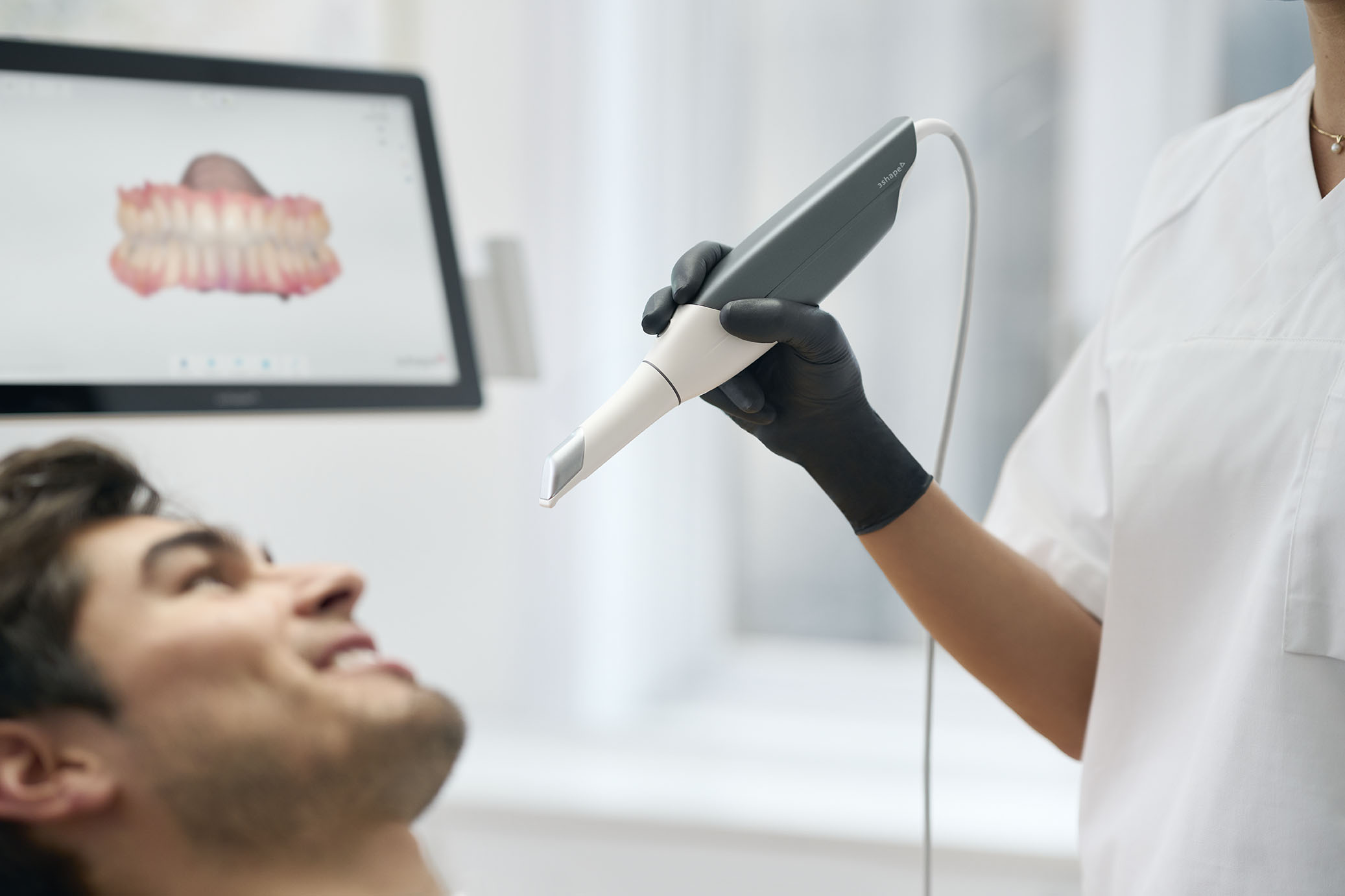
At GoDigital Dental Lab, we accept digital impressions, creating a more comfortable and less invasive experience for patients, helping to minimise discomfort and reduce anxiety during dental visits.
By removing the need for traditional materials, digital impressions offer a cleaner, more pleasant experience that helps patients feel more comfortable from start to finish. We focus on precision to create restorations that fit more accurately and improve function, comfort, and long-term oral health outcomes. This level of accuracy also helps reduce the need for adjustments, supporting a more efficient and predictable treatment experience for both dentist and patient.
Seamless scan integration with our laboratory workflows
Why switch to sending digital impressions to GoDigital Dental?
At GoDigital Dental, we understand that dentists need solutions that combine efficiency, precision, and reliability. Digital impressions allow you to work with confidence, providing consistent data that integrates seamlessly into modern restorative workflows. By moving away from traditional impression materials, your practice can reduce variability and better manage complex cases, all while keeping patient comfort in mind.
Accuracy & predictable fits
Digital impressions capture a patient’s mouth in great detail, avoiding the distortions and inconsistencies of traditional materials. The data from these images helps restorations fit precisely on the first try, reducing chairside adjustments, remakes, and follow-up appointments.
Faster turnaround
With digital submission, cases move from your practice to the laboratory more quickly than if they were mailed. This shortens production times, allowing restorations to be completed and returned more quickly, improving scheduling and overall efficiency.
Better patient experience
Getting rid of trays and impression materials provides a more comfortable and less intrusive experience, particularly for patients with sensitive gag reflexes or dental anxiety. Appointments are smoother, quicker, and less stressful for both patient and clinician.
Streamlined communication
Because digital files can be sent to our lab instantly, this paves the way for clear, direct communication between your practice and our technicians. Any necessary adjustments or design approvals can be handled efficiently, reducing errors and ensuring the final restoration meets clinical expectations
How digital dental impressions work?
Digital impressions are designed to be simple and straightforward, making it easy for practices to adopt without disrupting existing routines. Each step is structured to ensure accuracy and efficiency, and facilitate easy communication between your practice and GoDigital Dental.
Step 1:
Capture a scan with your intraoral scanner
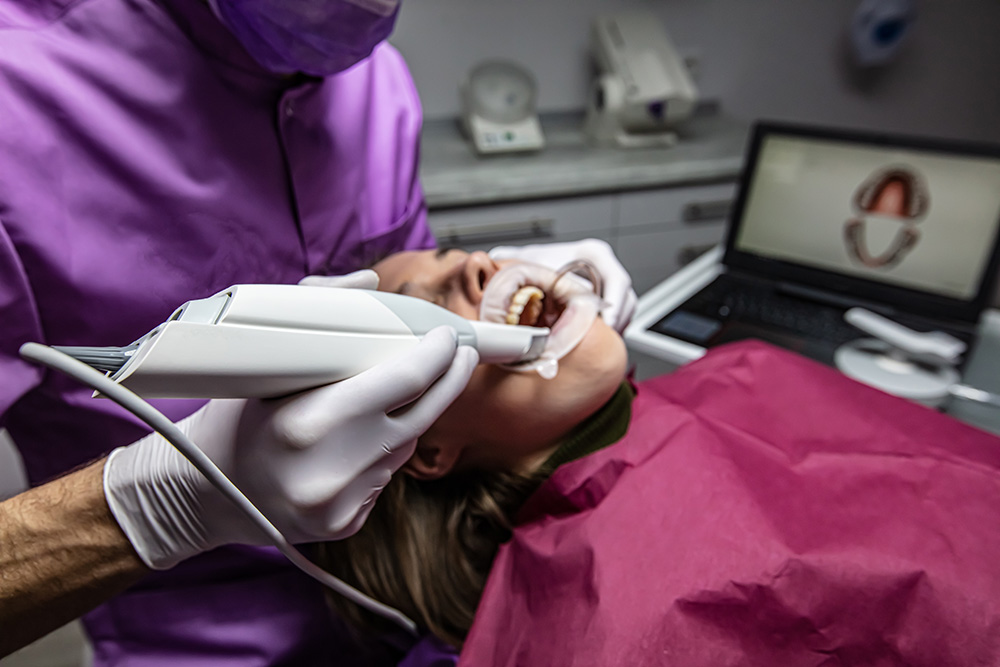
Use your scanner to quickly record a highly detailed digital image of the patient’s teeth and surrounding tissue. The process is comfortable for patients and produces precise data that forms the foundation for every restoration.
Step 2:
Send STL file directly to our lab
Once the scan is complete, securely upload the STL or compatible file through the scanner connection system or our online portal. Because there is no need to ship physical impressions, we are able to start designing your case as soon as we receive the scans and information we need.
Use our portal to quickly and securely send your patient files to our dental lab team.
Step 3:
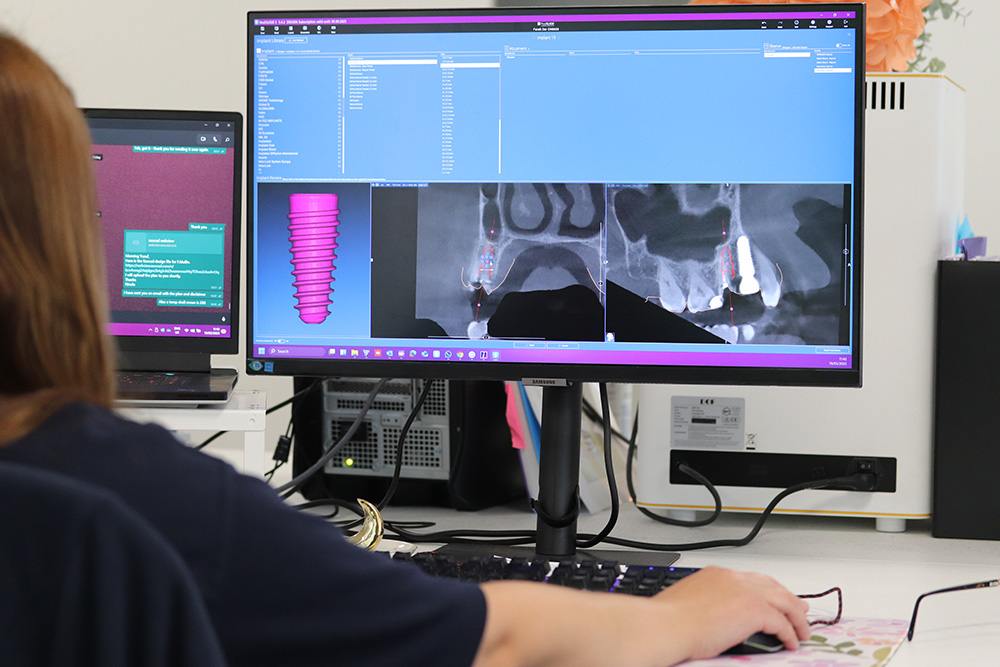
We design using CAD software
Our skilled technicians review the scan and create the dental restoration using advanced computer-aided design tools, from veneer’s and dental implants to crown and bridges, they all follow this process. During this step, the utmost care is taken to make sure that the restoration matches your clinical requirements, from occlusion to aesthetics.
Step 4:
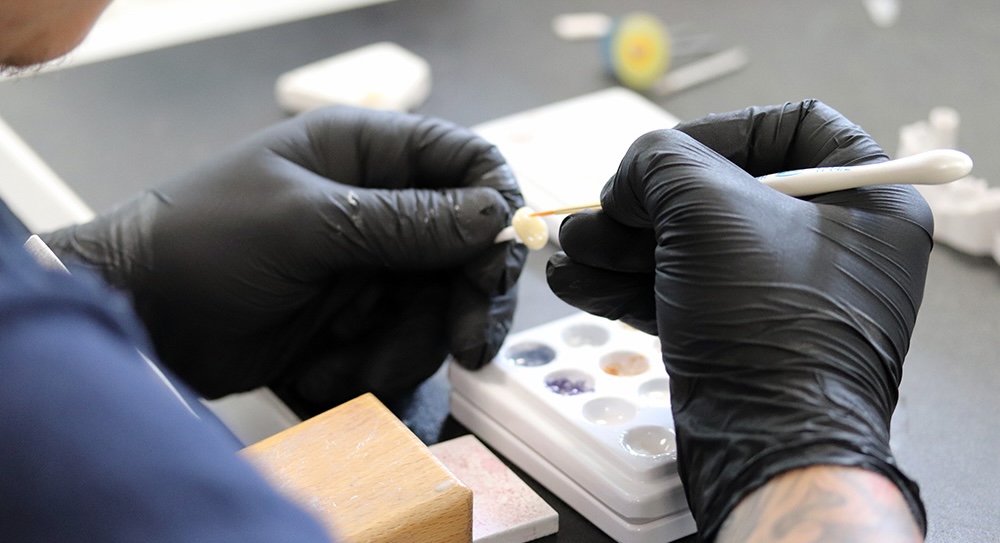
Restoration is manufactured
The approved digital design is fabricated using precision milling or 3D printing technology. Each restoration is produced to exact specifications, maintaining consistency and quality across all cases.
Once complete, the restoration is carefully packaged and sent to your practice, ready to fit in your patient’s mouth. The accuracy digital impressions give saves time for both you and your patient.

Request Our Dental Laboratory Price List Find out how our pricing can support your cases
Complete our simple request form to receive pricing tailored to your requirements. Our simple approach ensures you have all the information you need to plan cases efficiently, while partnering with a reliable dental laboratory you can trust.
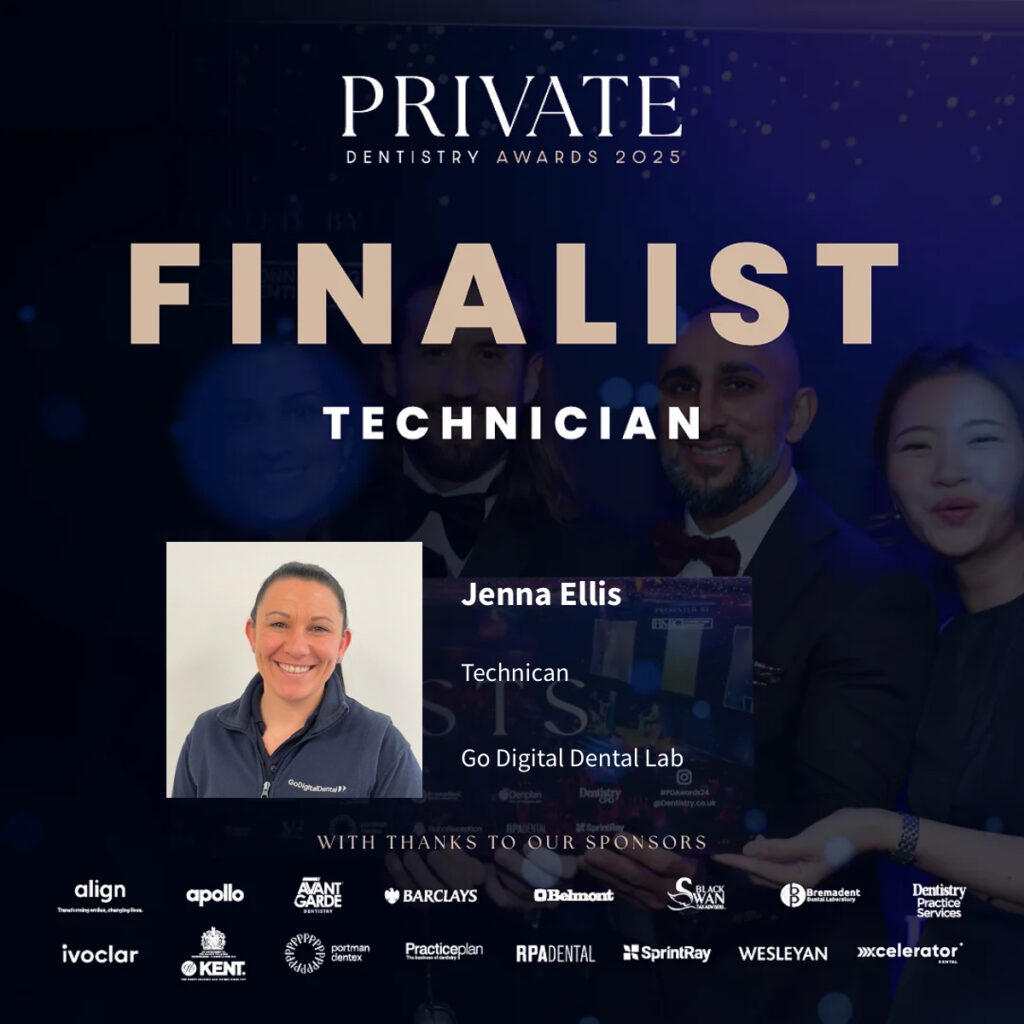
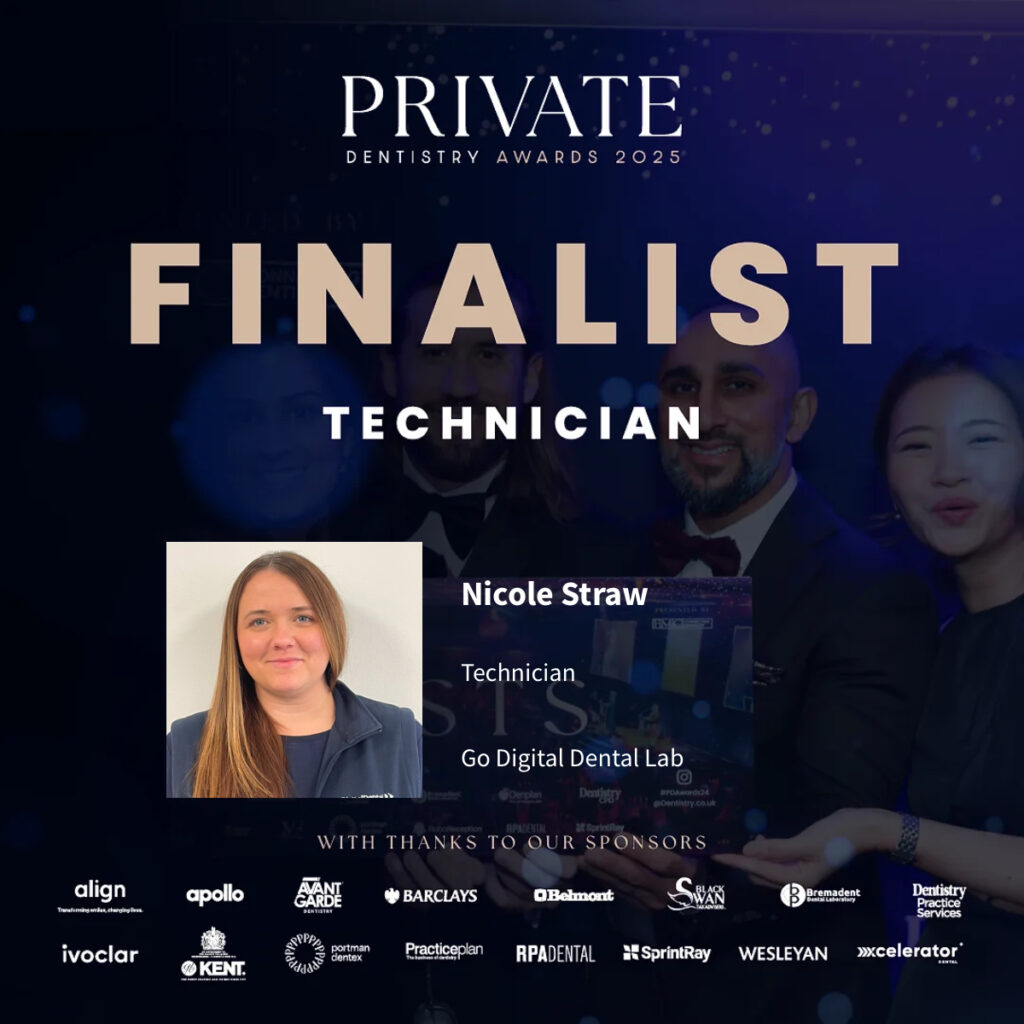
Awards Finalists in the Private Dentistry Awards 2025
We are proud to share that two of our talented dental technicians at GoDigital Dental have been shortlisted as finalists in the Technician Team Member category at the Private Dentistry Awards 2025. This achievement recognises their outstanding skill, dedication, and commitment to excellence in digital dentistry.
Digital Dental Impressions FAQs
Is patient comfort really improved with digital impressions?
Digital dental impressions are usually far more comfortable for patients than traditional impressions. They do not require large trays or sticky materials, which can cause gagging or discomfort. The scanning is fast and gentle, allowing patients to relax as their teeth are recorded digitally. It also reduces the chance of errors that can occur with traditional impressions, helping the process go more smoothly.
For anxious or sensitive patients, digital impressions make visits easier and less stressful. There is no messy material to taste or feel, and appointments often finish more quickly. Many patients feel the difference straight away and find the process much easier to handle than traditional impressions.
Can I send digital impressions directly from my scanner’s cloud system?
Yes, many scanners allow digital dental impressions to be sent directly from their cloud system to our dental laboratory. You can upload the files securely through the scanner’s platform, which then transfers the data to the lab without the need for physical media. This makes the process faster and reduces the risk of lost or damaged files.
Before sending, it is important to check that the system is compatible with the GoDigital Dental Lab system. Have a look at our page ‘how to connect your scanner‘ for guides, but if your scanner is not listed then please contact us as we have worked with many other systems and will find a solution fro you.
We accept standard STL files, but confirming compatibility ensures the case can be processed smoothly. Our upload portal has a secure connection to help maintain patient confidentiality during file transfer.
Will staff need training on using an intraoral scanner?
Most staff will need some basic training to use an intraoral scanner effectively. Training usually covers how to handle the scanner, capture a complete and accurate digital impression, and avoid common scanning errors. This helps ensure the scans are clear and usable for the laboratory.
Many scanner manufacturers provide easy-to-follow guides, tutorials, and in-person or online training sessions. With a short period of practice, staff typically become confident in scanning patients efficiently. Regular use also helps improve speed and accuracy over time, making the scanning process smooth and consistent for everyday dental procedures.
How long does it take for a restoration to be made once digital dental impressions have been submitted?
Once digital dental impressions are sent, the time to make a restoration depends on how simple or complex the case is. Single crowns and small bridges are usually finished faster, while larger or full arch cases take longer because more planning and design are needed.
Our dental lab work to process and make restorations quickly, often faster than traditional methods. Each case is checked, designed, and then milled or 3D printed with precise equipment. Clear communication and correct digital files help make sure the restoration is completed and returned to the practice as quickly and smoothly as possible.
What are some common mistakes to avoid when sending dental impressions?
A common mistake is sending scans that do not capture all the needed surfaces of the teeth or the surrounding areas. Missing parts can cause delays, adjustments, or remakes. Making sure the scan is clear, complete, and correctly aligned helps the lab handle the case without problems.
Another frequent error is sending files in the wrong format or with low quality, which can make them unusable. It is also important to check for any scanning errors and include the correct prescription before sending. Following the lab’s rules for file types, names, and secure transfer helps avoid issues and ensures the restoration can be made correctly.
Can dentists see design previews to approve them before restorations are made?
Dentists are often able to review digital design previews from the dental lab before the restoration is fabricated. The dental laboratory provides a virtual model that shows the restoration’s shape, contours, and fit, allowing the dentist to verify that it meets clinical and aesthetic requirements.
A preview gives dentists the opportunity to request adjustments, such as modifying occlusion, contact points, or shape, before production begins. Approving the design beforehand ensures the final restoration meets expectations, as well as helping reduce the need for chairside adjustments.
How does a dental lab shade match a restoration to a patient’s natural teeth?
GoDigital Dental Laboratories match the shade of a restoration to a patient’s natural teeth using a combination of digital and traditional methods. Dentists provide detailed information about the tooth colour, often using shade guides or digital photography to capture the exact tone and translucency.
Technicians then use this information to select and layer materials that replicate the tooth’s natural appearance. Digital imaging and software can help analyse the tooth’s colour and structure, ensuring the restoration blends seamlessly. Careful attention to subtle variations in shade, texture, and translucency allows the final restoration to match the surrounding teeth as naturally as possible.
Why do the dental lab keep digital files on record?
GoDigital Dental Laboratories keep digital files on record to ensure they have a complete record of every case they handle. These files allow the lab to quickly reference previous scans, designs, and restorations if a remake, adjustment, or follow-up is needed.
Storing digital files also helps maintain consistency for future work on the same patient, such as additional restorations or replacement units. It provides a secure backup in case physical models are lost or damaged. Keeping accurate digital records supports efficient communication between the practice and the lab, allowing cases to be reproduced or modified accurately without new impressions.
Are there any limitations to what can be captured with a digital impression?
Digital impressions are very accurate, but there are some limits to what they can capture. Hard-to-reach areas, like deep gum lines or very tight spaces between teeth, can be more difficult to scan fully. Too much saliva or patient movement can also affect the scan quality.
More complex cases, such as full-arch restorations with severe misalignment, may require additional scans or a careful technique to capture all the details. Knowing these limits helps make sure the digital impression is complete and precise, reducing the need for repeat scans or adjustments when the restoration is made. Sometimes full arch cases may require a traditional impression, ask us for details, or speak to a technician directly.